Refurbished Desktop PC Guide: Office Minis, Towers & Upgrade Paths
Updated November 11, 2026 · By the ShopDifferent team · We may earn a commission from partner links.
Refurbished Desktop PC Guide: Office Minis, Towers & Upgrade Paths
When it comes to choosing a refurbished desktop PC for office use, there are several factors to consider. In this guide, we will walk you through the key considerations, common mistakes to avoid, and how to decide on the right PC for your needs.
Choosing the Right Form Factor
Desktop PCs come in various form factors, including minitowers, towers, and small form factor (SFF) PCs. Each has its advantages and disadvantages.
- Minitowers: Compact and space-efficient, minitowers are ideal for small offices or home use. They often come with a smaller power supply and limited upgrade options.
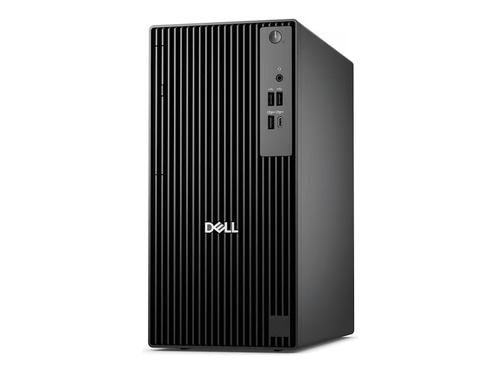
- Towers: Traditional towers offer more upgrade options and better airflow, making them a popular choice for office use. They take up more space than minitowers but provide more flexibility.
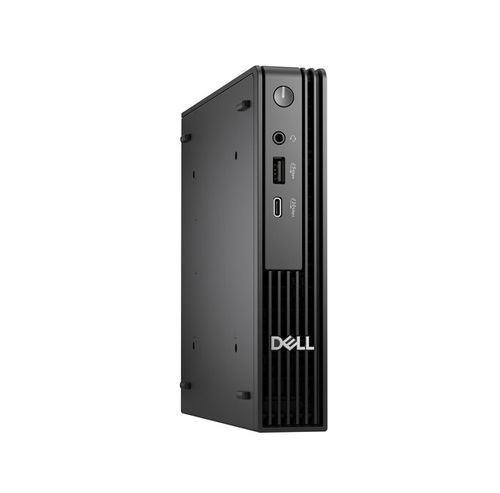
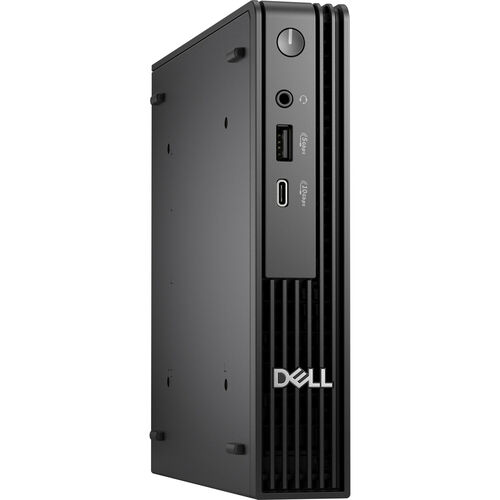
- SFF PCs: Small form factor PCs are designed for minimal space requirements and often come with a compact design. They may have limited upgrade options but are energy-efficient and quiet.
Processor and RAM Considerations
When selecting a refurbished desktop PC, consider the processor and RAM requirements for your office tasks.
- Processor: A mid-range or high-end processor (e.g., Intel Core i5 or i7) is suitable for most office applications, including word processing, email, and basic data analysis.
- RAM: Ensure the PC has sufficient RAM (at least 8GB) to handle multiple applications simultaneously.
Storage and Operating System
- Storage: Opt for a PC with a solid-state drive (SSD) or a hybrid SSHD for faster boot times and data access.
- Operating System: Choose a PC with a recent version of Windows (10 or 11) for compatibility and security.
Common Mistakes to Avoid
- Overlooking the warranty: Ensure the refurbished PC comes with a valid warranty or support plan to cover any potential issues.
- Insufficient RAM or storage: Verify the PC's RAM and storage capacities to ensure they meet your office needs.
- Inadequate cooling: Check the PC's cooling system to ensure it can handle the heat generated by the processor and other components.
Upgrade Paths and Partner Products
When considering a refurbished desktop PC, think about your future upgrade needs.
- Upgrade paths: Choose a PC with a modular design that allows for easy upgrades, such as replacing the RAM or storage.
- Partner products: Consider purchasing a bundle that includes a monitor, keyboard, and mouse for a more comprehensive office solution.
Partner Product Options
Some popular refurbished desktop PC options include:
- DELL Desktop Computer PC i7/i5: Up to 64GB RAM, 14TB SSD/HDD, Windows 10/11, WiFi
- HP Desktop Computer PC: Up to i7 9TH, 64GB RAM, 2TB SSD, Windows 10/11, WIFI
- Gateway GWDC5H27Q58-BK Desktop Computer & 27" QHD Monitor Bundle: A compact bundle for small offices or home use
- Lenovo Windows 11 Desktop i5 Computer SFF PC: Up to 32GB RAM, 4TB HDD/SSD, Wi-Fi
- Dell Windows 11 Pro Desktop i7 Computer PC Tower: Up to 32GB RAM, 1TB SSD, Wi-Fi
High-End Options
For more demanding office tasks or specialized applications, consider the following high-end options:
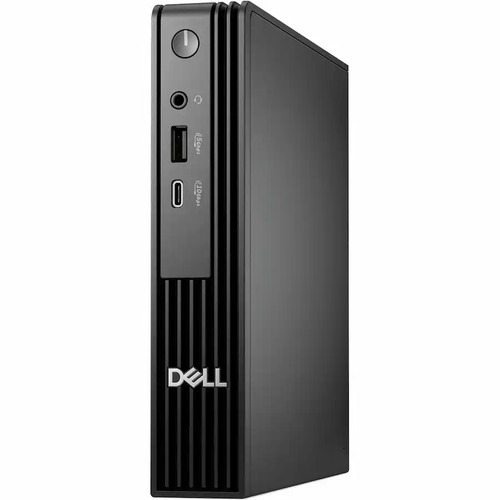
- Dell Pro Micro QCM1250 PY4JY Desktop Computer
- Dell Pro PJ7WJ Tower QCT125 Desktop Computer
- Dell Pro Micro QCM1250 VD5D2 Desktop Computer
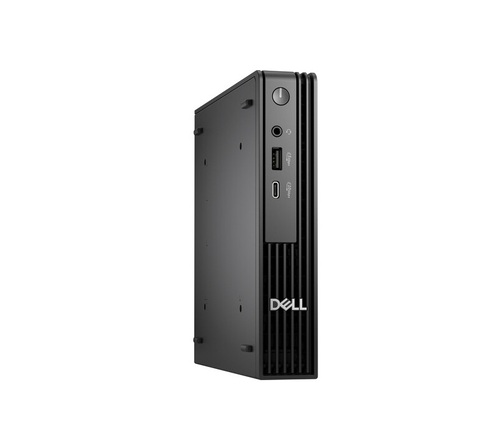
- Dell 3JMH7 Pro Micro QCM1250 Desktop Computer
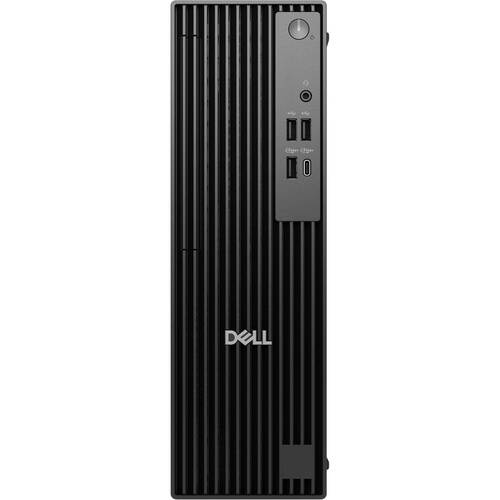
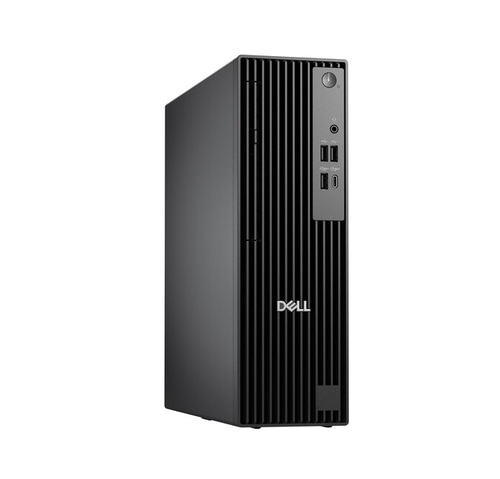
- Dell Pro Slim QCS1250 13J6D Desktop Computer
Bottom Line
When choosing a refurbished desktop PC for office use, consider the form factor, processor, RAM, storage, and operating system requirements. Avoid common mistakes by verifying the warranty, RAM, and storage capacities. Consider upgrade paths and partner products to ensure a comprehensive office solution.