Refurbished iPad Buying Guide: Base, Air & Pro Compared
Updated November 11, 2026 · By the ShopDifferent team · We may earn a commission from partner links.
Refurbished iPad Buying Guide: Base, Air & Pro Compared
When it comes to purchasing a refurbished iPad, there are several factors to consider to ensure you make the right choice for your needs. In this guide, we'll break down the key differences between the base, Air, and Pro models, as well as common mistakes to avoid and tips for making a decision.
Choosing the Right iPad Model
The first step in selecting a refurbished iPad is to determine which model best suits your requirements. Here's a brief overview of the main differences between the base, Air, and Pro models:
- Base Models: These are the most affordable options, offering a standard iPad experience with a lower price tag. They're perfect for casual users who want to stay connected and access basic apps.
- iPad Air: The Air model offers a step up from the base model, featuring a larger screen, improved performance, and a more premium design. It's ideal for those who want a balance between affordability and features.
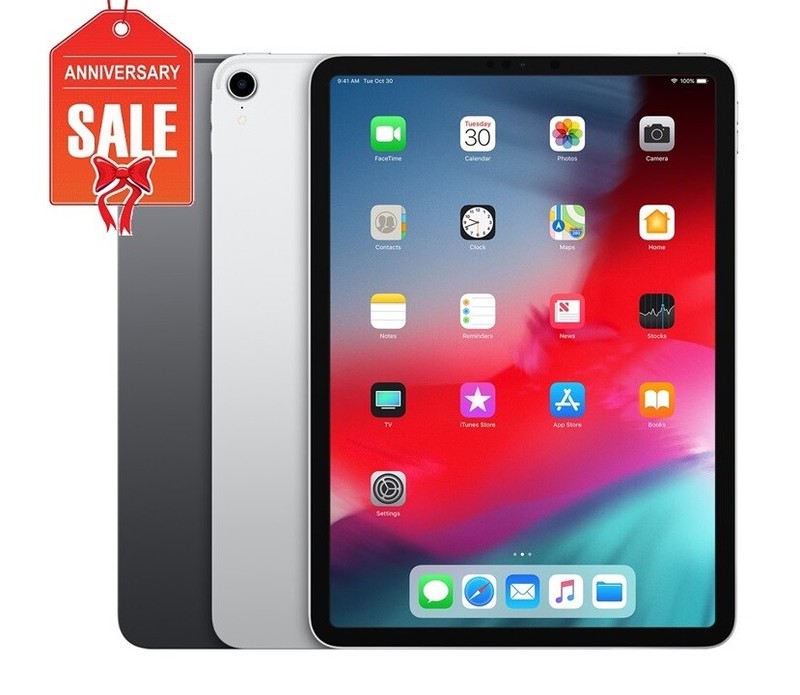
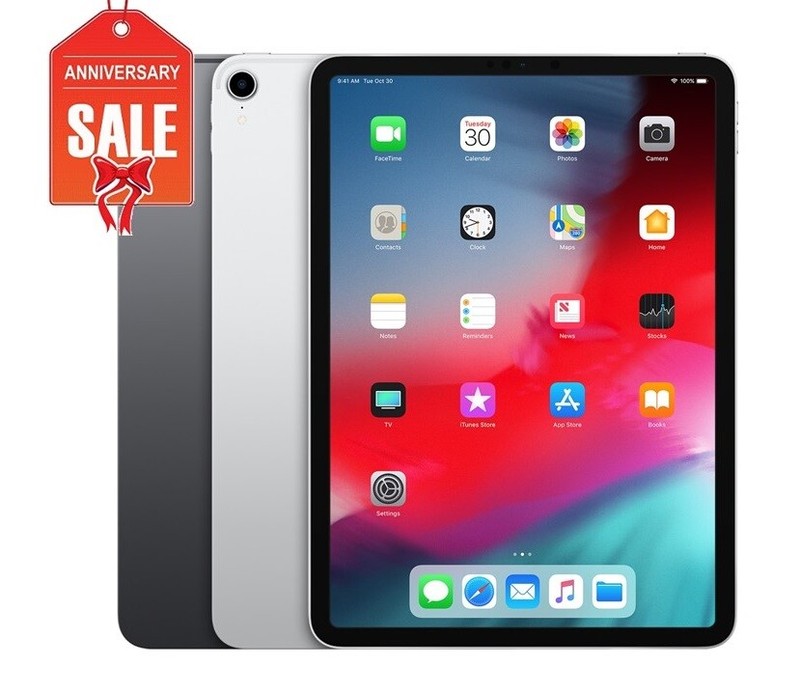
- iPad Pro: The Pro model is the top-of-the-line option, boasting a large screen, powerful performance, and advanced features like a stylus and improved cameras. It's perfect for professionals, creatives, and heavy users who require a high-end device.
Key Considerations
When choosing a refurbished iPad, consider the following factors:
- Storage: Ensure the model you choose has sufficient storage to meet your needs. If you plan to store a lot of apps, photos, or videos, opt for a higher storage capacity.
- Display: If you want a larger screen, consider the Air or Pro models. However, if portability is a priority, the base model might be a better fit.
- Performance: If you need a device for demanding tasks like video editing or gaming, the Pro model is the way to go.
- Camera: If you want a high-quality camera, the Pro model is the best option.
Common Mistakes to Avoid
When buying a refurbished iPad, be aware of the following common mistakes:
- Not checking the warranty: Ensure the seller provides a valid warranty and check its duration and coverage.
- Not verifying the device's condition: Ask the seller to provide detailed photos and descriptions of the device's condition, including any cosmetic damage or wear.
- Not researching the seller: Verify the seller's reputation and read reviews from other customers to ensure you're buying from a trustworthy source.
Tips for Making a Decision
To make an informed decision, follow these tips:
- Compare prices: Research different models and sellers to find the best price for your needs.
- Check the device's history: Use services like Apple's Device Enroll program to verify the device's history and ensure it hasn't been stolen or reported lost.
- Read reviews: Check reviews from other customers to get a sense of the device's performance and any potential issues.
Bottom Line
When purchasing a refurbished iPad, it's essential to weigh your needs against the features and price of each model. By considering the key differences between the base, Air, and Pro models, you'll be able to make an informed decision and find the perfect device for your requirements. Always research the seller, verify the device's condition, and check the warranty to ensure a smooth and hassle-free purchasing experience.